Talk to us

HELP DESK MIGRATION ALTERNATIVE · 2026 GUIDE

Help Desk Migration Alternative

Automated self-serve tool vs engineer-led migration service. Which fits your data?

Help Desk Migration by Relokia is an automated, self-serve platform where you configure field mapping and run the migration yourself. ClonePartner is an engineer-led service where a dedicated engineer writes custom scripts for your exact data model and runs the migration for you. Both can move your help desk data. The right choice depends on your data complexity, team capacity, compliance requirements, and how much risk you want to carry yourself.

This guide breaks down the differences across eight dimensions so you can decide based on facts, not marketing.

“Help Desk Migration” is a trademark of Relokia. ClonePartner is not affiliated with, endorsed by, or sponsored by Help Desk Migration or Relokia. All product names, logos, and trademarks are the property of their respective owners. This page is an independent comparison created for informational purposes only.

01 — YOUR OPTIONS

Four approaches to Helpdesk Migration

Every helpdesk data migration falls into one of four categories. Each trades off control, cost, speed, and risk differently.

Native platform importers

Free Low effort High risk

Built-in CSV/API tools from the destination platform. Designed for onboarding, not production migrations — attachments, notes, and custom fields often drop.

Best for small teams with simple data

Automated SaaS tools

e.g., Help Desk Migration

Per-record Self-serve Medium risk

UI-driven platforms with pre-built connectors. You configure mapping and run the migration. Works for standard data; breaks on complex relationships and edge cases.

Best for standard migrations with default mapping

DIY scripts

Eng time Full control Medium risk

Your team writes extraction and load scripts via platform APIs. Maximum flexibility, but weeks of work — rate limits, attachments, delta sync, and validation are on you.

Best for teams with deep API knowledge

02 — SIDE BY SIDE

ClonePartner vs Help Desk Migration at a glance

The core difference is not features. It is who carries the risk and the work. With Help Desk Migration, you operate the tool and own the outcome. With ClonePartner, an engineer operates the migration and owns the outcome for you.

Criteria ClonePartner Help Desk Migration
Model Engineer-led. A dedicated engineer writes custom scripts for your data model, runs the migration, and validates the output. Automated self-serve platform. You configure mapping and run the migration yourself, with support available.
Best for Complex, relational, or high-volume data. Mergers, custom objects, compliance-sensitive migrations, or anything where default mapping breaks. Standard migrations between supported platforms where default field mapping fits your data structure.
Pricing Fixed price, scoped and agreed before work starts. No per-record metering. No surprise costs at volume. Per-record pricing via public calculator. Cost scales linearly with record count. Transparent before you start.
Demo / trial Scoped pilot migration on your real data, run by an engineer. Unlimited test runs before cutover. Free self-serve demo migration on your real data. No credit card, no call required.
Data fidelity Custom scripts handle tickets, comments, attachments, custom fields, tags, relationships, automations, and edge cases that generic tools drop. Standard field mapping across supported entity types. Covers tickets, comments, attachments, users, organizations, tags, custom fields.
Delta migration Built in. Engineer runs a delta sync after the main migration to capture records created during the transfer window. Zero-downtime cutover. Built in. Automated delta sync available after the initial migration run.
Compliance SOC 2 Type II, ISO 27001, GDPR, HIPAA. BAA available for PHI. NDA and DPA on request. Audit scope covers engineer access controls, credential handling, and data retention. SOC 2 Type II, GDPR. DPA available. Data retention policy in ToS.
Platform coverage 100+ platforms. Custom scripts can move data from any source with an API to any target. Official partner of Front, Gorgias, HubSpot, HappyFox, and others. No connector limitations. 80+ pre-built connectors. Partner of Zendesk, Freshworks, Pylon, and others. Migrations limited to supported connector pairs.
Validation Multi-stage validation with checksums. Dedicated engineer reviews output before cutover. You approve the result. Real-time migration logs, field mapping preview, per-record skip/fail report. You review the output yourself.
Track record 1,500+ completed migrations. 500+ integrations built. Named partners. G2, Clutch profiles. PR Newswire press coverage. Zendesk Marketplace app. 10+ years on market. 50,000+ migrations. Hundreds of marketplace reviews. Official partner of major platforms.
Accountability Single engineer owns your project end to end. Post-migration support included. Issues resolved at no additional charge. Self-serve execution. Support available. You own the run and the outcome.

Choose Help Desk Migration if your migration is standard, fits their pre-built connectors, your team has capacity to run the tool, and per-record pricing works for your volume. Choose ClonePartner if your data is complex, fidelity is critical, you have custom objects or edge cases, compliance requirements are strict, or you want a single team accountable for the outcome.

Read the full comparison

03 — PROOF

Real teams. Real migrations. Verified results.

A comparison page is only credible with evidence. Here is what customers, auditors, and third-party reviewers say about ClonePartner — not just what we claim.

1,500+ Migrations completed
4.9/5 Average customer rating
SOC 2 + ISO Independently certified

Trusted by helpdesk, CRM, and ATS teams worldwide. See all customer stories

Watch their stories

Alex Funaro discusses migrating 700K Zendesk tickets to Front 4 min

Alex Funaro

Institute for Integrative Nutrition • Zendesk Front

700K tickets migrated, zero errors

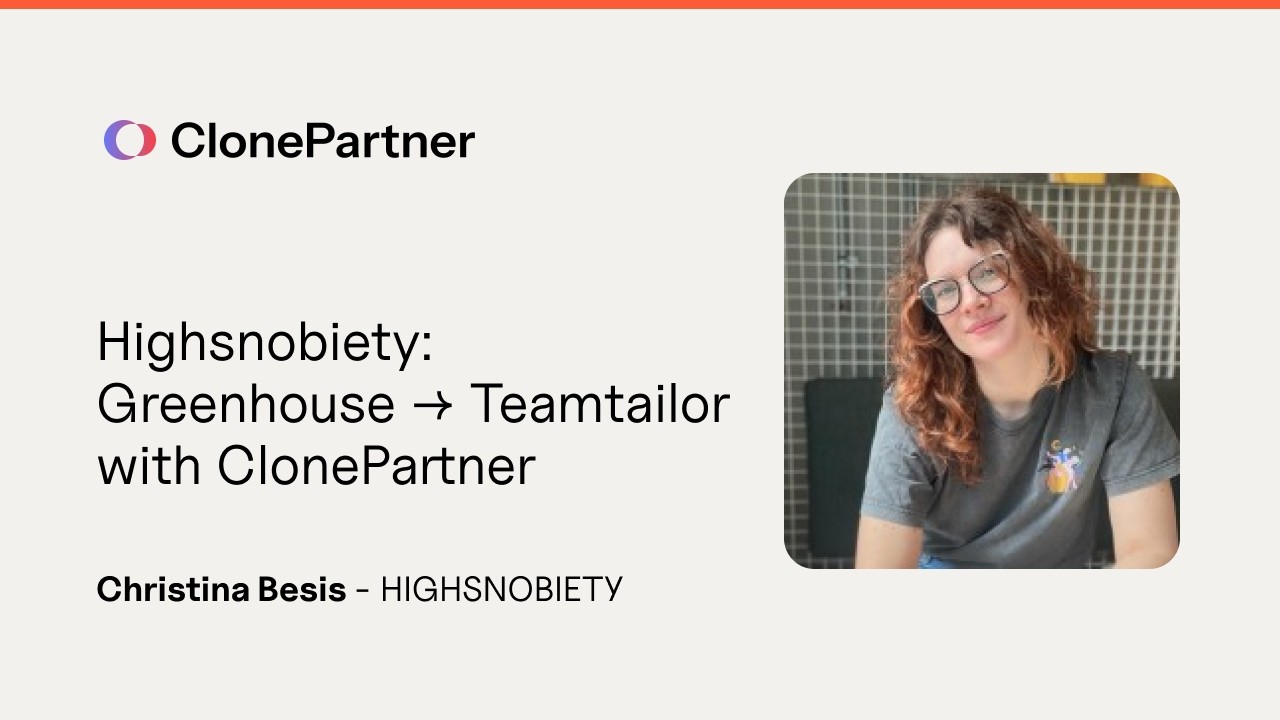
Christina discusses their ATS migration 6 min

Christina Besis

Highsnobiety • Greenhouse Teamtailor

3-month migration done in days

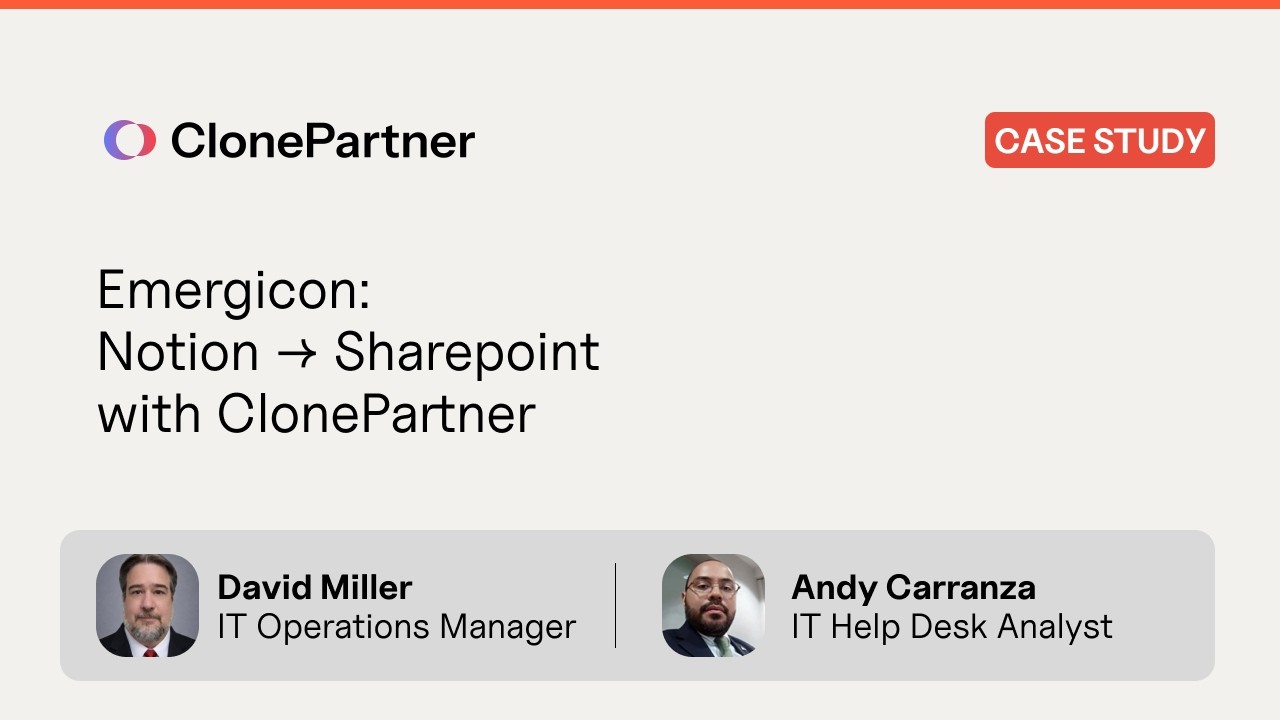
David Miller discusses HIPAA-compliant Notion to SharePoint migration 7 min

David Miller

Emergicon • Notion SharePoint

31K+ blocks, HIPAA-compliant

What customers say

“Our technical team is probably capable of running the migration ourselves, but given your expertise, the size of the project, and your fees — it's a no-brainer. Super efficient process that we would definitely do again.”

Alex Funaro
Alex Funaro Technology Advisor, Institute for Integrative Nutrition

“They know what they're doing. They're really helpful, very knowledgeable from the technical side and very responsive. We're very thankful — you guys did a great job. If we have anything like this again, we'll definitely give you a call.”

David Miller
David Miller IT Operations Manager, Emergicon

“The migration was so smooth and easy. We enjoyed working with the team and felt cared for in the process.”

Ryan Carey
Ryan Carey COO, Parker Baby

04 — COMMON QUESTIONS

Help Desk Migration alternative FAQ

What is the best alternative to Help Desk Migration?

ClonePartner is the leading engineer-led alternative to Help Desk Migration for businesses that need a high level of accuracy, zero-downtime cutover, and support for custom data. While Help Desk Migration is a self-service tool that works for simple, standard migrations, ClonePartner provides a fully managed service where engineers handle every aspect of the project. ClonePartner supports 500+ platform integrations across CRM, help desk, HRIS, ATS, ERP, knowledge base, and ITSM categories — far broader than Help Desk Migration's help desk focus. With over 1,500 completed custom migrations and certifications including SOC 2 Type II, ISO 27001, GDPR, and HIPAA, ClonePartner is the preferred choice for enterprise teams, regulated industries, and any organization where data integrity is non-negotiable.

What are the top Help Desk Migration competitors in 2026?

The main Help Desk Migration competitors in 2026 fall into four categories. Engineer-led migration services like ClonePartner offer fully managed, custom-scripted migrations with guaranteed outcomes — best for complex data, custom fields, and zero-downtime requirements. Automated SaaS tools like SyncMatters (formerly MigrateMyCRM) offer UI-driven, per-record migration for supported help desk platforms. Native platform importers built into tools like Front, Zendesk, and Freshdesk handle simple CSV uploads but typically drop attachments, comments, and inline images. DIY scripts give engineering teams full control but expose them to weeks of API rate limit management, pagination edge cases, and metadata preservation challenges. ClonePartner differentiates from all four by combining engineer-led custom scripting with enterprise compliance, delta migration as standard, and a fixed-price guarantee.

Is there a managed service alternative to Help Desk Migration?

Yes. ClonePartner is a managed migration service that serves as a direct alternative to Help Desk Migration's self-service tool model. Instead of operating a wizard and managing the migration yourself, ClonePartner assigns a dedicated migration engineer to your project. The engineer writes custom scripts, runs unlimited sample migrations so you can preview your data in the new system, delivers a detailed validation report, and executes the final delta cutover — typically over a weekend with zero downtime. ClonePartner supports help desk platforms (Zendesk, Freshdesk, Intercom, Front, Help Scout, HappyFox, Gorgias, and others) as well as CRM, HRIS, ATS, ERP, and knowledge base platforms. Over 1,500 custom migrations have been completed with zero data loss.

Why switch from Help Desk Migration to ClonePartner?

Teams switch from Help Desk Migration to ClonePartner for several reasons. First, custom data handling: Help Desk Migration's template mapper cannot handle transformation logic like combining fields, converting multi-select picklists, or preserving nested JSON structures — ClonePartner's custom scripts can. Second, zero-downtime cutover: Help Desk Migration locks delta migration behind its most expensive "Signature" plan, while ClonePartner includes it as standard. Third, risk transfer: with Help Desk Migration, your team owns 100% of the migration risk; with ClonePartner, risk is contractually transferred via SLA and SOW. Fourth, hidden cost elimination: teams using Help Desk Migration consistently underestimate the internal engineering hours required for validation and troubleshooting, which can add $2,000–$47,000 in hidden salary costs to the project.

NEXT STEP

Find out if ClonePartner fits your migration

Book a free 30-minute scoping call. We'll review your source and destination platforms, map out the migration plan, and give you a fixed quote. No obligation.

1,500+ migrations

Helpdesk, CRM, ATS, HRIS, ERP, and knowledge base. Every migration handled by a dedicated engineer.

SOC 2 + ISO 27001

Independent audits. GDPR and HIPAA compliant. BAA available.

Fixed pricing

Scoped and agreed before work starts. No per-record metering.

Explore the guide

Jump to any chapter

Comparison, checklists, process, FAQ, tools, pricing, and more — all in one place.